Home
Technical Portfolio
Qualifications
Service
AI
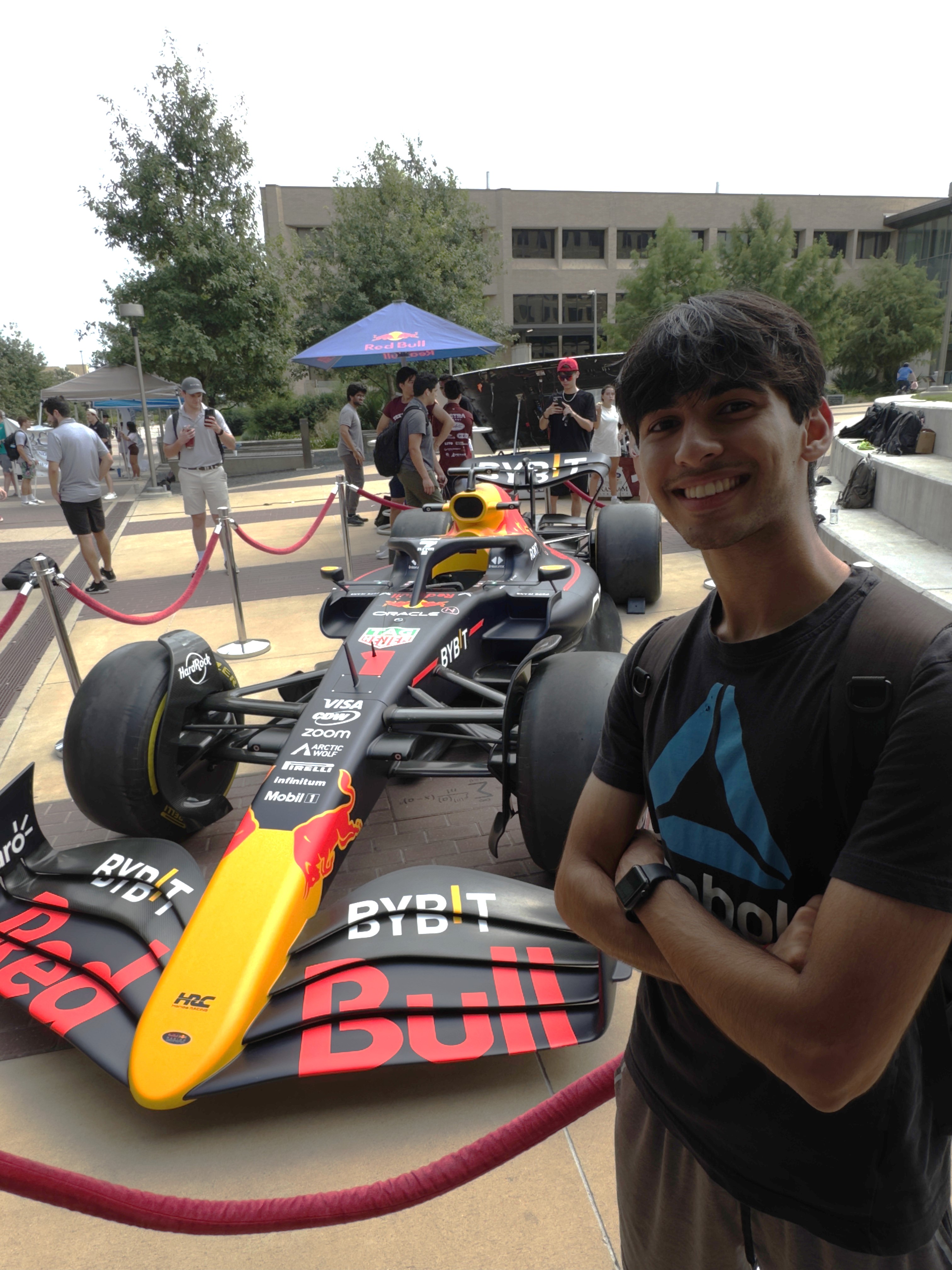
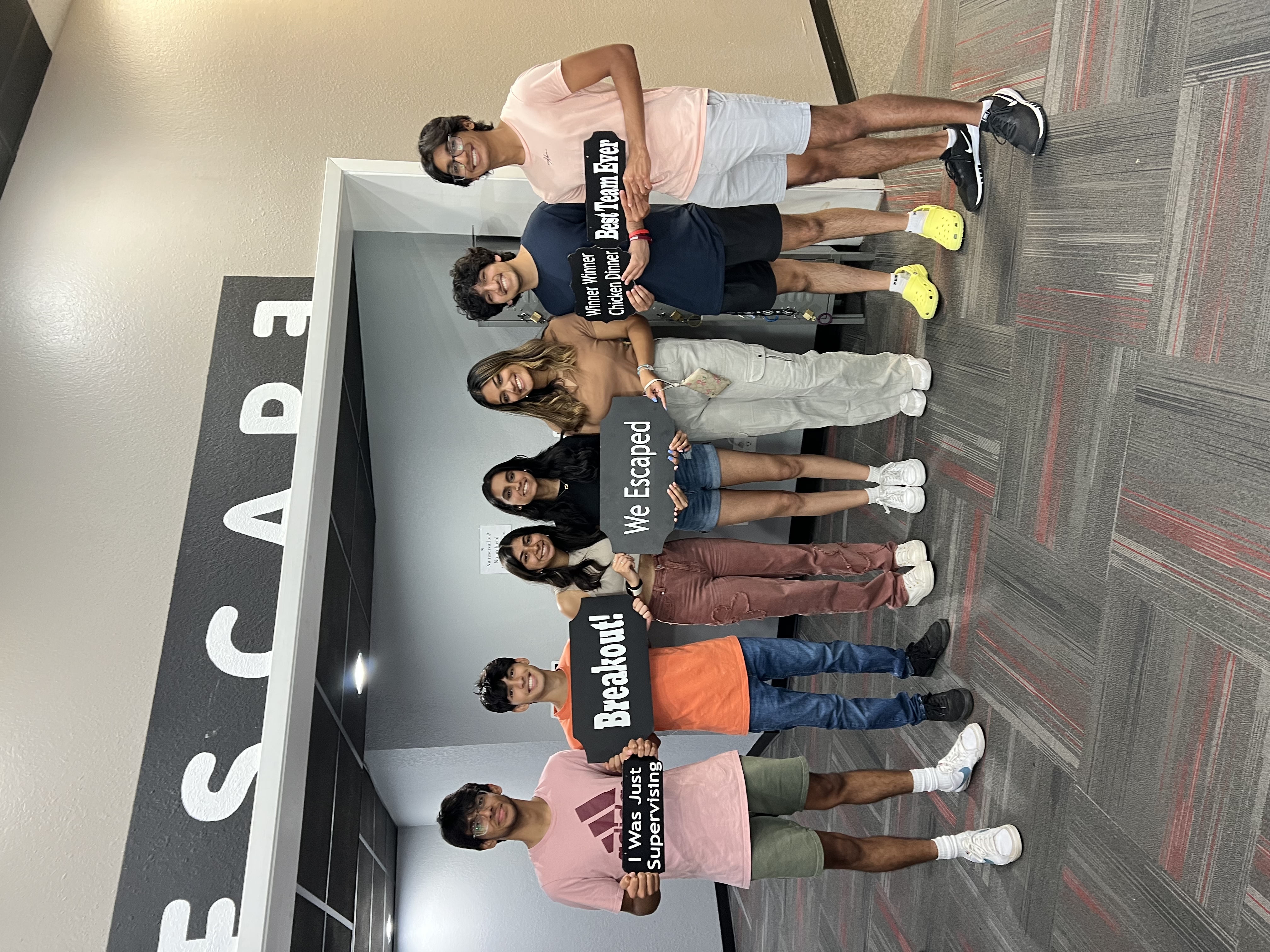
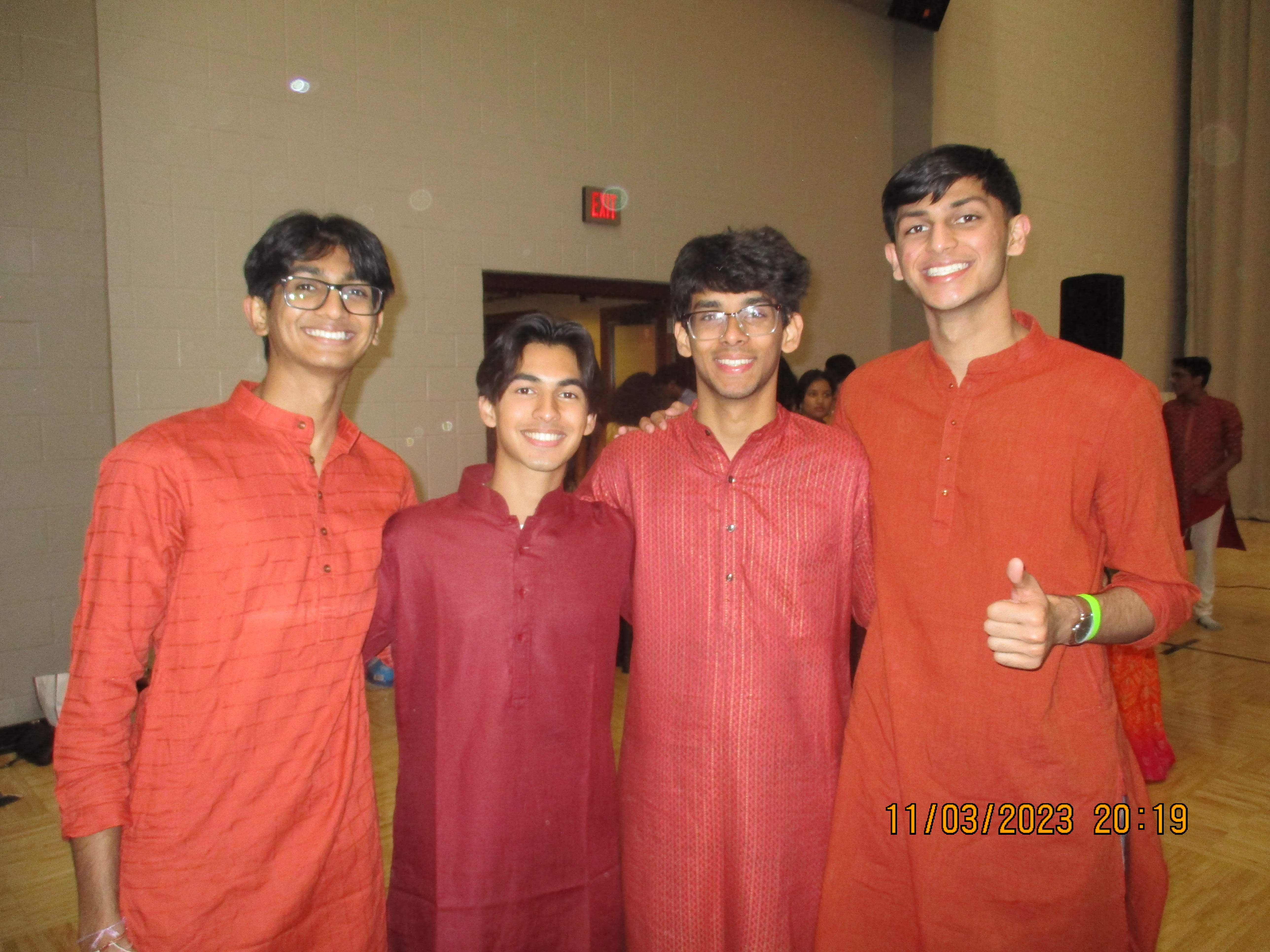
Gallery
◀
▶
My Hobbies
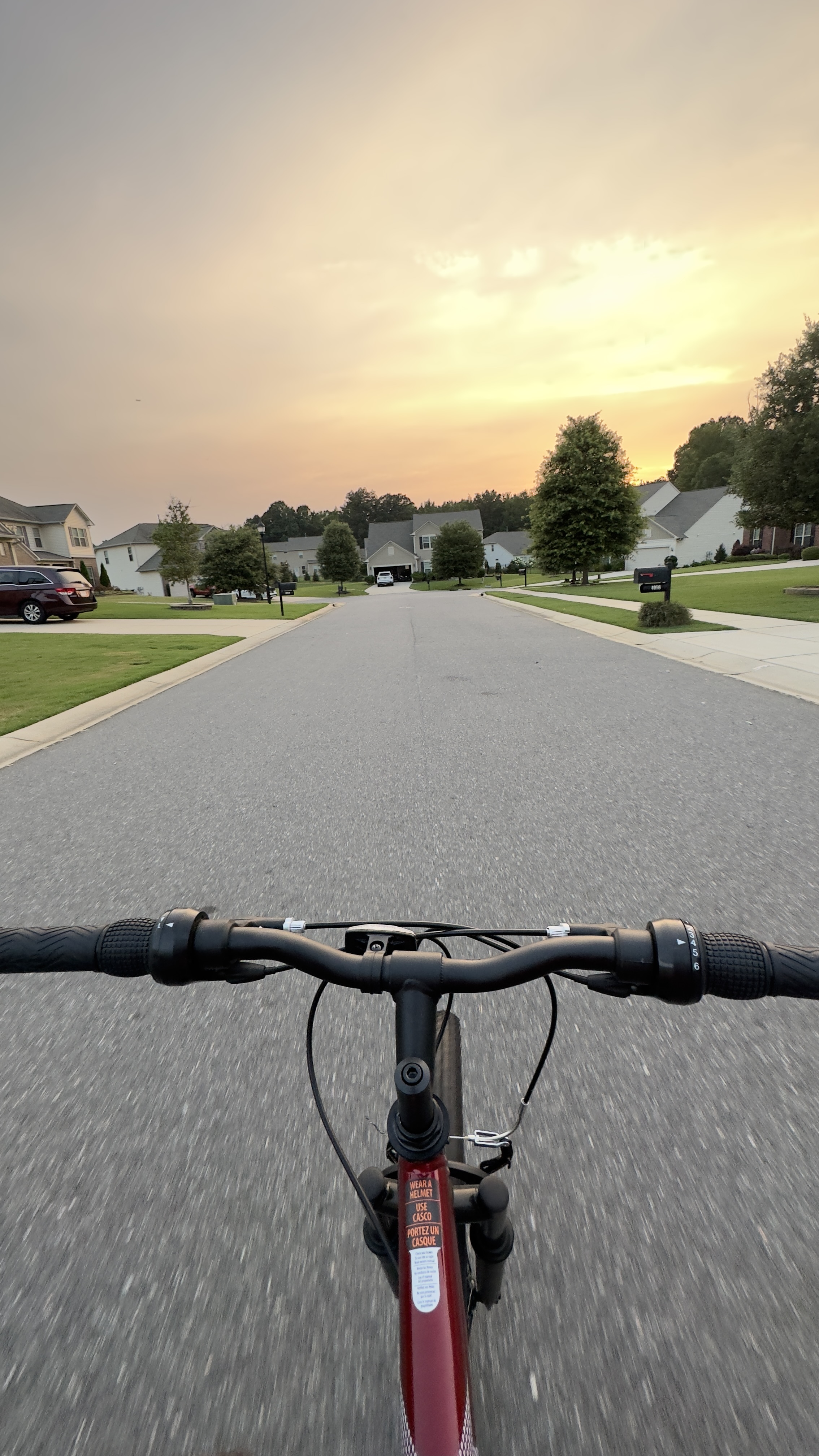
Biking
Traveling
Playing tennis
Reading
Creating art
Currently Playing:
[ Check out my Spotify
here
]
Prompt Used for Page
Create an HTML webpage that has a navigation bar with 5 links: home, technical portfolio, qualifications, service, and AI. The links should be centered on the page with a maroon background, and the main content of the website will contain a photo gallery on the top. Make the photo gallery scroll side to side, and add a maroon squared rectangle as the div's background. Center the photos and under the gallery section, add a section for hobbies. On the right side of the hobbies section, add a new section of your choice that would fit well. Add a "Currently Playing" section within the hobbies section that shows a Spotify song of your choice. Now create a section for hobbies in the webpage. This section should be visually distinct and include a list of personal hobbies. Use a clean and simple design with appropriate padding and margin. The background color should be white with a box shadow to make it stand out. Implement a photo gallery with a maroon background that allows horizontal scrolling. Include navigation buttons to scroll left and right through the images. Ensure that the gallery has a smooth scrolling effect and that the images are well-sized and properly aligned. Further modify the "Currently Playing" section that embeds a Spotify player for a selected track. This section should be integrated into the hobbies section, positioned below the list of hobbies. Ensure that the embedded player is appropriately sized and visually integrated with the rest of the design. Create a "Prompt Used for Page" section that includes a textarea element. This textarea should display a summary of the prompts used to create the webpage. Make sure the textarea is styled to fit within the design, with proper padding, border, and background color.